How to Make Your First Deposit on Cadillac Play 88 Using GCash
Why GCash Is Popular for Online Casino Deposits in the Philippines
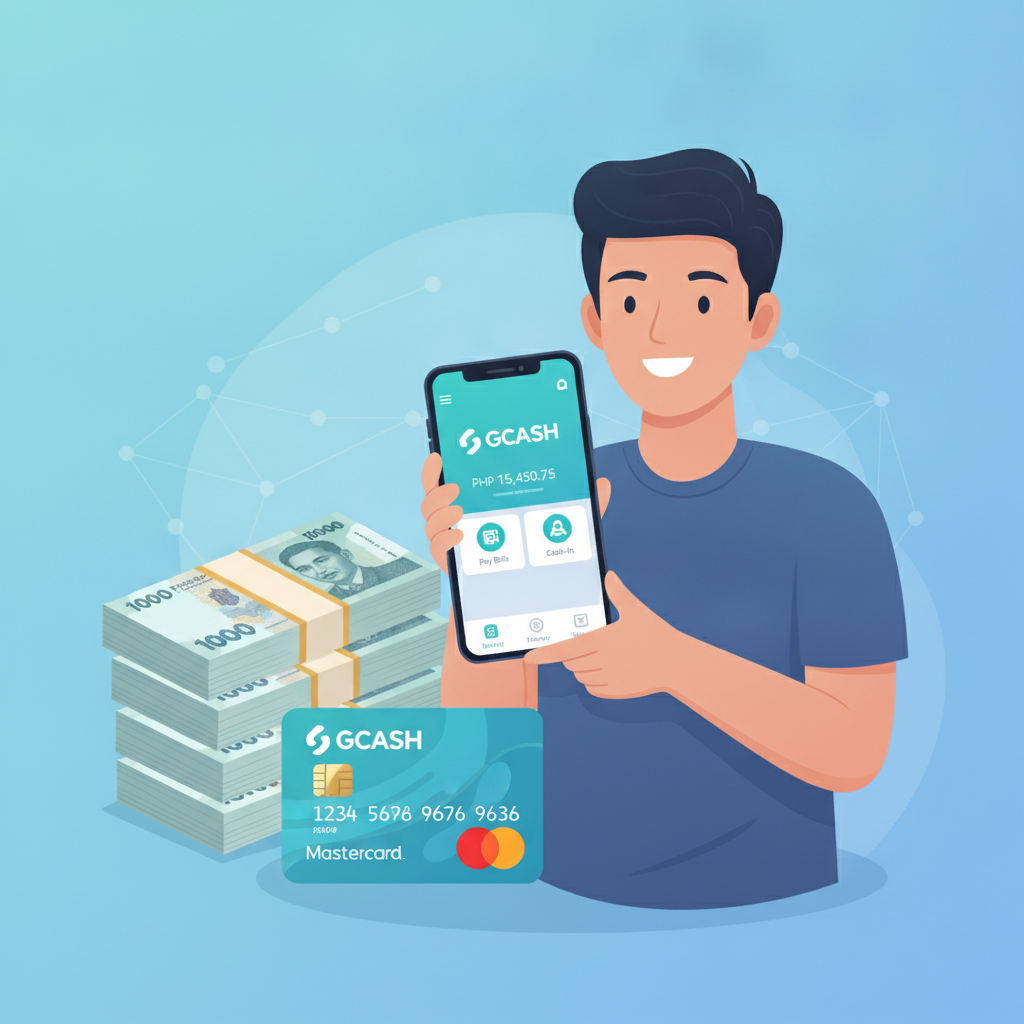
GCash has become one of the most convenient ways for Filipino players to fund their online casino accounts. Cadillac Play 88 accepts GCash deposits, making it easy to load your account without needing a credit card or visiting a bank. If you already use GCash for bills, shopping, or sending money, you can use the same app to deposit on Cadillac Play 88.
Before you start, make sure you have already registered for a Cadillac Play 88 account and completed any required ID verification. You will also need a GCash account with sufficient balance to cover your deposit.
21+ only. Play responsibly and only deposit what you can afford to lose.
Minimum Deposit Amount on Cadillac Play 88
Cadillac Play 88 sets a minimum deposit amount for GCash transactions. The typical minimum is PHP 100, though this may vary depending on current platform policies. Most Filipino players make their first deposit in the PHP 100 to PHP 500 range, which is affordable and gives you enough balance to try different games like slots, live dealer tables, or place a few bets on PBA or NBA games.
The maximum deposit limit per transaction can also vary. If you plan to deposit a larger amount, check the cashier or deposit page on Cadillac Play 88 for the current limits. Starting small is a good idea if this is your first time depositing on an online casino platform.
Before you proceed, confirm that your GCash wallet has enough funds to cover the deposit amount plus any transaction fees, if applicable. GCash transactions are usually free or charge a minimal fee, but it's always best to check your app.
Step-by-Step GCash Deposit Walkthrough
Here is how to make your first deposit on Cadillac Play 88 using GCash. These steps are based on the typical flow for Filipino players using a mobile phone.
Step 1: Log In to Your Cadillac Play 88 Account
Open the Cadillac Play 88 website on your mobile browser or app (if you have installed it). Tap the Login button and enter your registered username or mobile number and password. If you have not yet registered, complete the Cadillac Play 88 register process first.
Step 2: Go to the Cashier or Deposit Page
Once logged in, look for the Deposit, Cashier, or Wallet button. This is usually found at the top of the screen or in the main menu. Tap it to open the deposit options.
Step 3: Select GCash as Your Payment Method
You will see a list of available deposit methods, such as GCash, Maya, bank transfer via InstaPay or PESONet, and possibly others. Tap on GCash to continue.
Step 4: Enter Your Deposit Amount
A field will appear asking you to enter the amount you want to deposit. Type in your chosen amount, making sure it is at least PHP 100 or the minimum stated on the page. Double-check the number to avoid mistakes.
Some platforms may also show a dropdown or preset buttons for common amounts like PHP 100, PHP 200, PHP 500, etc. You can tap one of these for faster input.
Step 5: Confirm the Transaction Details
Before submitting, review the deposit summary:
- Payment method: GCash
- Deposit amount: (your chosen amount in PHP)
- Any fees, if applicable
If everything looks correct, tap Submit, Confirm, or Proceed.
Step 6: Complete the GCash Payment
You will be redirected to the GCash payment page or receive a prompt to open your GCash app. Depending on the integration method, you may need to:
- Log in to your GCash account using your MPIN
- Authorize the payment by confirming the amount and recipient
- Enter any OTP (one-time password) sent to your registered mobile number
Follow the on-screen instructions carefully. Do not close the browser or app until the payment is confirmed.
Step 7: Wait for the Payment Confirmation Screen
Once the payment goes through, GCash will display a confirmation message. You may also receive an SMS or in-app notification from GCash confirming the deduction from your wallet. Keep a screenshot or note the transaction reference number for your records.
You will usually be redirected back to the Cadillac Play 88 website or app automatically. If not, manually return to the Cadillac Play 88 page.
How Long Deposits Take to Reflect in Your Account
GCash deposits on Cadillac Play 88 are typically instant or take just a few minutes to reflect in your casino account balance. In most cases, you will see the funds appear within 1 to 5 minutes after the GCash payment is confirmed.
If the deposit does not show up right away:
- Wait a few more minutes and refresh the page or app
- Check your GCash transaction history to confirm the payment was successfully deducted
- Make sure you completed the entire payment flow, including any OTP confirmation
During peak hours or if there are technical issues with payment gateways, deposits may take slightly longer. If your deposit has not appeared after 15 to 30 minutes, you may need to contact Cadillac Play 88 customer support with your transaction reference number.
Confirming Your Deposit Went Through
After completing the GCash deposit, it is important to confirm that the money has been credited to your Cadillac Play 88 account before you start playing.
Check Your Account Balance
Go back to the main page or tap on your Wallet or Balance icon. Your new balance should reflect the deposited amount. For example, if your balance was PHP 0 and you deposited PHP 200, your balance should now show PHP 200.
Review Your Transaction History
Most online casino platforms, including Cadillac Play 88, keep a record of all deposits and withdrawals. Look for a Transaction History, Account Statement, or Deposit History section in your account menu. You should see an entry for your GCash deposit showing:
- Date and time
- Deposit method (GCash)
- Amount in PHP
- Status (Completed or Successful)
If the status shows "Pending" or "Processing," wait a few more minutes and refresh the page.
Keep Your GCash Receipt
It is a good habit to take a screenshot of your GCash transaction receipt. This can serve as proof of payment if any issue arises. The receipt will show the amount sent, the recipient or merchant name, the transaction reference number, and the timestamp.
If your Cadillac Play 88 balance does not update and your GCash wallet has been debited, contact Cadillac Play 88 support through live chat or the contact page. Provide them with your transaction reference number, the exact amount, and the date and time of the deposit.
What to Do After Your First Deposit
Once your deposit is confirmed and your balance has updated, you are ready to start playing. Here are a few tips for first-time players:
- Start with small bets: If you are new to online slots, live dealer games, or sports betting, begin with smaller bets to get familiar with how the platform works.
- Explore different games: Cadillac Play 88 offers a variety of slots, jackpot games, live dealer tables (like baccarat, blackjack, and roulette), and sports betting on PBA, NBA, and volleyball. Try a few games to see what you enjoy.
- Set a budget: Decide in advance how much you are willing to spend during your session and stick to it. This helps you play responsibly and avoid overspending.
- Understand the rules: Each game has its own rules, paylines, and betting options. Take a moment to read the game instructions or watch a demo round before placing real-money bets.
Remember that all casino games involve risk. There is no guaranteed way to win, and you should only play with money you can afford to lose.
Age Requirement and Responsible Gambling Reminder
Cadillac Play 88 is for players aged 21 and over only. You must meet the legal gambling age in the Philippines to register, deposit, and play. If you are under 21, do not create an account or attempt to deposit funds.
Gambling should be a form of entertainment, not a way to make money. If you find yourself chasing losses, spending more than you planned, or feeling anxious about your bets, take a break. Set deposit limits, use time reminders, or reach out to a responsible gambling support service if you need help.
Play responsibly and know when to stop.
Final Checklist for Your First GCash Deposit
Before you make your first deposit, run through this quick checklist:
- ✅ You are 21 years old or older
- ✅ You have registered and verified your Cadillac Play 88 account
- ✅ Your GCash wallet has sufficient balance (at least PHP 100 or the minimum deposit amount)
- ✅ You have your phone ready to receive OTP or authorize the payment
- ✅ You understand that deposits are typically instant but may take a few minutes
Once everything is in place, follow the step-by-step walkthrough above, confirm your deposit, and enjoy exploring the games and betting options available on Cadillac Play 88.
This is an independent guide. Cadillac Play 88 is a third-party platform. Always verify current terms, minimum deposits, and payment methods directly on the Cadillac Play 88 website.