Cadillac Play 88 Login Guide: Access Your Account on Mobile and Desktop
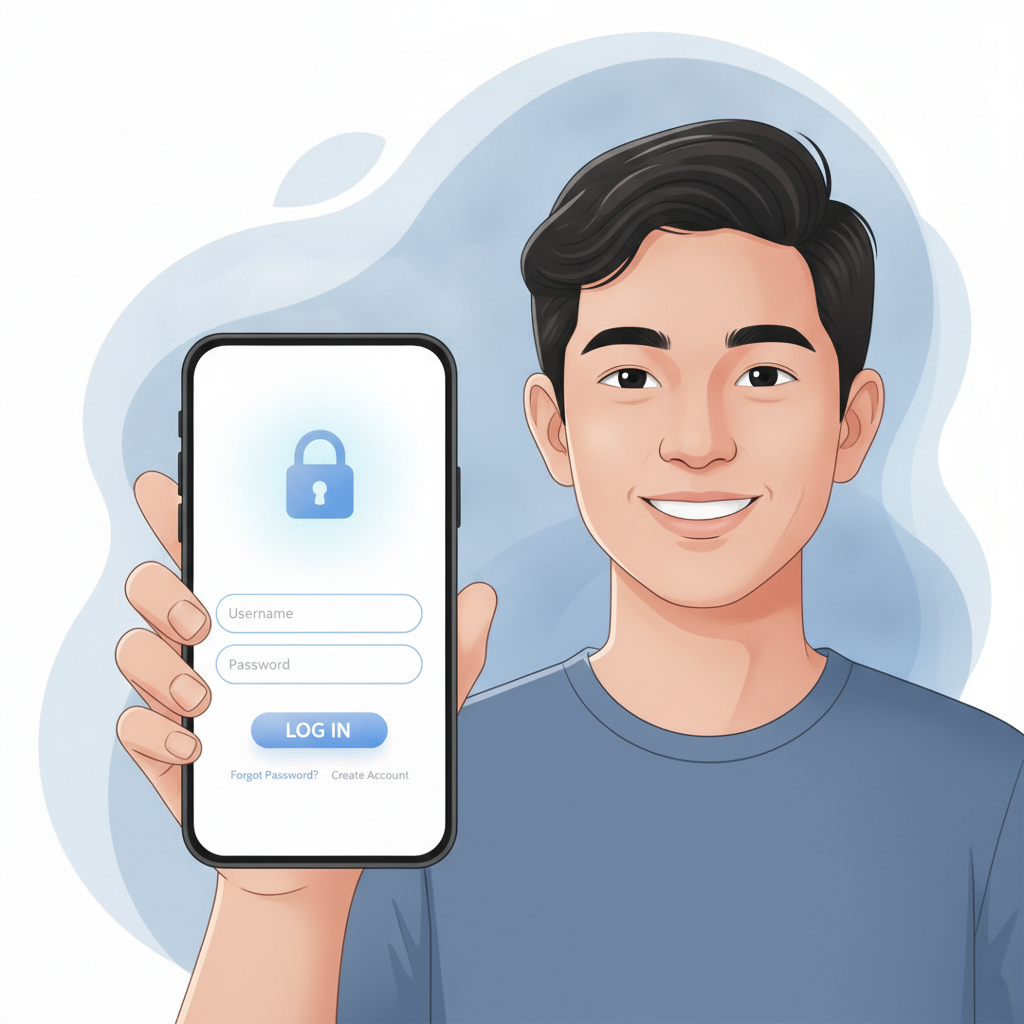
How to Log In on Android Mobile Browser
Most Filipino players access Cadillac Play 88 through their Android phones. The mobile browser login process is straightforward and works on Chrome, Firefox, or any browser installed on your device.
Step 1: Open your mobile browser and go to the official Cadillac Play 88 website. You can type the URL directly or use a bookmark if you saved it during registration.
Step 2: Look for the Login or Sign In button at the top-right corner of the homepage. It's usually displayed prominently alongside the Register button.
Step 3: Tap the Login button. A login form will appear asking for your credentials.
Step 4: Enter your registered username or mobile number in the first field. Some platforms let you use either, so check what you used when you created your account.
Step 5: Type your password in the second field. The password field is masked by default for security, but you can tap the eye icon to view what you're typing if you need to verify it.
Step 6: Tap the Login or Submit button below the form.
Step 7: If your credentials are correct, you'll be taken to your account dashboard where you can see your PHP balance, recent bets, and access slots, live dealer games, or sports betting sections.
The entire process takes less than 30 seconds once you have your username and password ready. Make sure you're on a stable mobile data or Wi-Fi connection to avoid interruptions during login.
If Cadillac Play 88 offers a "Remember Me" checkbox, you can tick it to stay logged in on your device. Only use this feature on your personal phone, never on a shared or public device.
Desktop Login Steps for Home Users
While mobile is the most popular way to play, some Filipino bettors prefer using a desktop computer or laptop at home, especially for watching live NBA or PBA streams alongside their bets.
Step 1: Launch your preferred web browser on your computer. Chrome, Edge, and Firefox all work well with online casino platforms.
Step 2: Navigate to the Cadillac Play 88 official website by typing the URL into the address bar.
Step 3: Locate the Login button in the upper-right section of the homepage. Desktop sites typically have more screen space, so navigation buttons are easier to spot.
Step 4: Click the Login button to open the login form. This may appear as a pop-up overlay or take you to a dedicated login page, depending on how the site is designed.
Step 5: Enter your username or registered mobile number in the first field.
Step 6: Type your password in the second field. Desktop keyboards make it easier to enter complex passwords accurately.
Step 7: Click the Login button to submit your credentials.
Step 8: Once authenticated, you'll be redirected to your account dashboard. From here, you can navigate to slots, jackpot games, live dealer tables, or the sportsbook section for PBA, NBA, and volleyball betting.
Desktop login follows the same security protocols as mobile. Your session will typically stay active as long as your browser window is open, but Cadillac Play 88 may log you out automatically after a period of inactivity for security reasons.
What to Do If You Forget Your Password
Forgetting your password is common, especially if you don't log in every day. Cadillac Play 88 provides a password recovery process to help you regain access to your account.
Step 1: On the login page, look for a Forgot Password? or Reset Password link. This is usually displayed below or beside the login form.
Step 2: Click or tap the link. You'll be taken to a password recovery page.
Step 3: Enter the mobile number or email address you used during registration. The platform needs to verify your identity before allowing a password reset.
Step 4: Tap or click Submit. Cadillac Play 88 will send a verification code or reset link to your registered mobile number or email.
Step 5: Check your phone for an SMS or your email inbox for the message. It should arrive within a few minutes. If you don't see it, check your spam or junk folder.
Step 6: Enter the verification code on the password reset page, or click the link provided in the message.
Step 7: You'll be prompted to create a new password. Choose a strong password that combines letters, numbers, and symbols. Avoid using easily guessed information like birthdays or common words.
Step 8: Confirm your new password by typing it again in the confirmation field.
Step 9: Submit the form. Your password is now updated, and you can return to the Cadillac Play 88 login page to access your account with your new credentials.
If you encounter problems during password recovery—such as not receiving the verification code or the reset link not working—you may need to contact Cadillac Play 88 customer support. They can verify your identity and assist with account access.
Keep your registered mobile number and email address up to date in your account settings to make future password resets easier.
Security Tips for Protecting Your Login Credentials
Your Cadillac Play 88 account holds your PHP balance and personal information, so protecting your login credentials is essential.
Use a strong, unique password: Avoid reusing passwords from other sites or apps. A strong password should be at least eight characters long and include a mix of uppercase and lowercase letters, numbers, and special symbols. The harder your password is to guess, the safer your account.
Never share your login details: Don't give your username and password to anyone, even friends or family. Cadillac Play 88 support will never ask for your password. If someone claiming to represent the platform requests it, it's likely a scam.
Log out after each session on shared devices: If you ever log in on a friend's phone or a public computer, always log out completely when you're done. This prevents the next person from accessing your account.
Avoid public Wi-Fi for logging in: Public Wi-Fi networks in malls, coffee shops, or transport hubs can be less secure. When possible, use your mobile data or a trusted home Wi-Fi connection to log in and make deposits.
Enable two-factor authentication if available: Some online platforms offer two-factor authentication (2FA), which requires a second verification step—like a code sent to your phone—when you log in. Check your Cadillac Play 88 account settings to see if this feature is available and turn it on for extra protection.
Watch out for phishing sites: Always double-check the website URL before entering your login credentials. Scammers sometimes create fake sites that look like the real Cadillac Play 88 platform to steal usernames and passwords. Bookmark the official site or type the URL carefully each time.
Keep your phone and email secure: Since password recovery relies on your registered mobile number and email, make sure those accounts are also protected with strong passwords and up-to-date security settings.
Monitor your account regularly: Check your account balance and betting history frequently. If you notice any unfamiliar activity, change your password immediately and contact customer support.
By following these security practices, you reduce the risk of unauthorized access and keep your funds and personal data safe.
21+ Reminder and Play Responsibly
Cadillac Play 88 is intended for players aged 21 and over only. Online gambling should be a form of entertainment, not a way to make money or solve financial problems.
Set a budget before you start playing and stick to it. Only deposit amounts you can afford to lose, and never chase losses by depositing more than you planned. If you find that gambling is affecting your finances, relationships, or daily life, take a break and seek help.
Cadillac Play 88 is an online casino and sportsbook that offers slots, jackpot games, live dealer tables, and sports betting on PBA, NBA, and volleyball. While the platform is designed for Filipino players and supports deposits through GCash, Maya, and bank transfer, responsible gambling is your responsibility.
This guide is provided by an independent information site. We are not affiliated with or operated by Cadillac Play 88. Always verify terms, conditions, and account policies directly on the official platform before you play.